keyQuack
A downloadable productivity pet for Windows
keyQuack
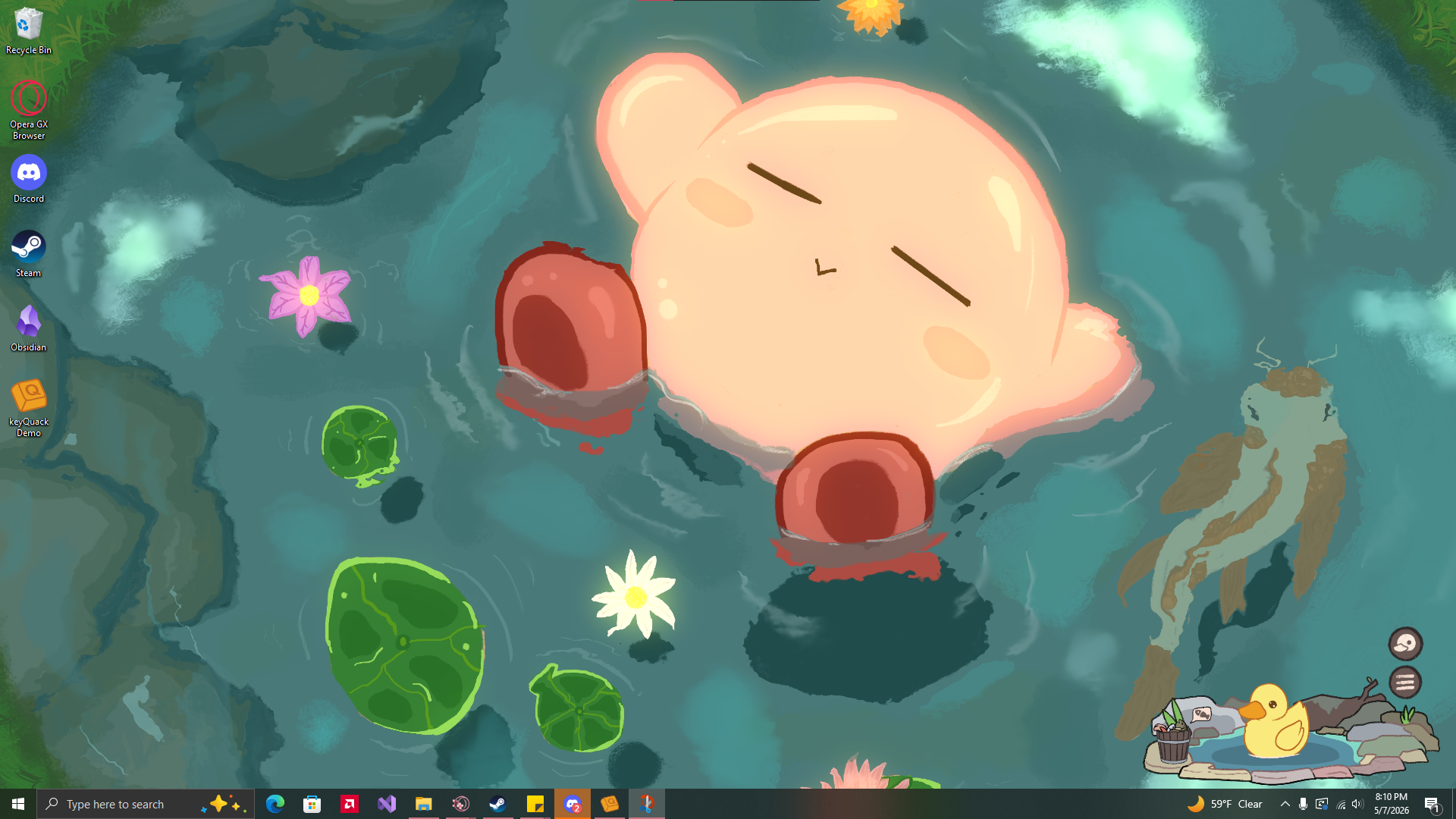
keyQuack is a small productivity pet that tracks your typing and rewards you for being active! This is officially a beta as the game is still in development, so expect some bugs and for things to change as it continues to develop. If you come across any issues or concerns, feel free to reach out so I can get it patched ♥
This is also my first public game, so apologies for any jank and such
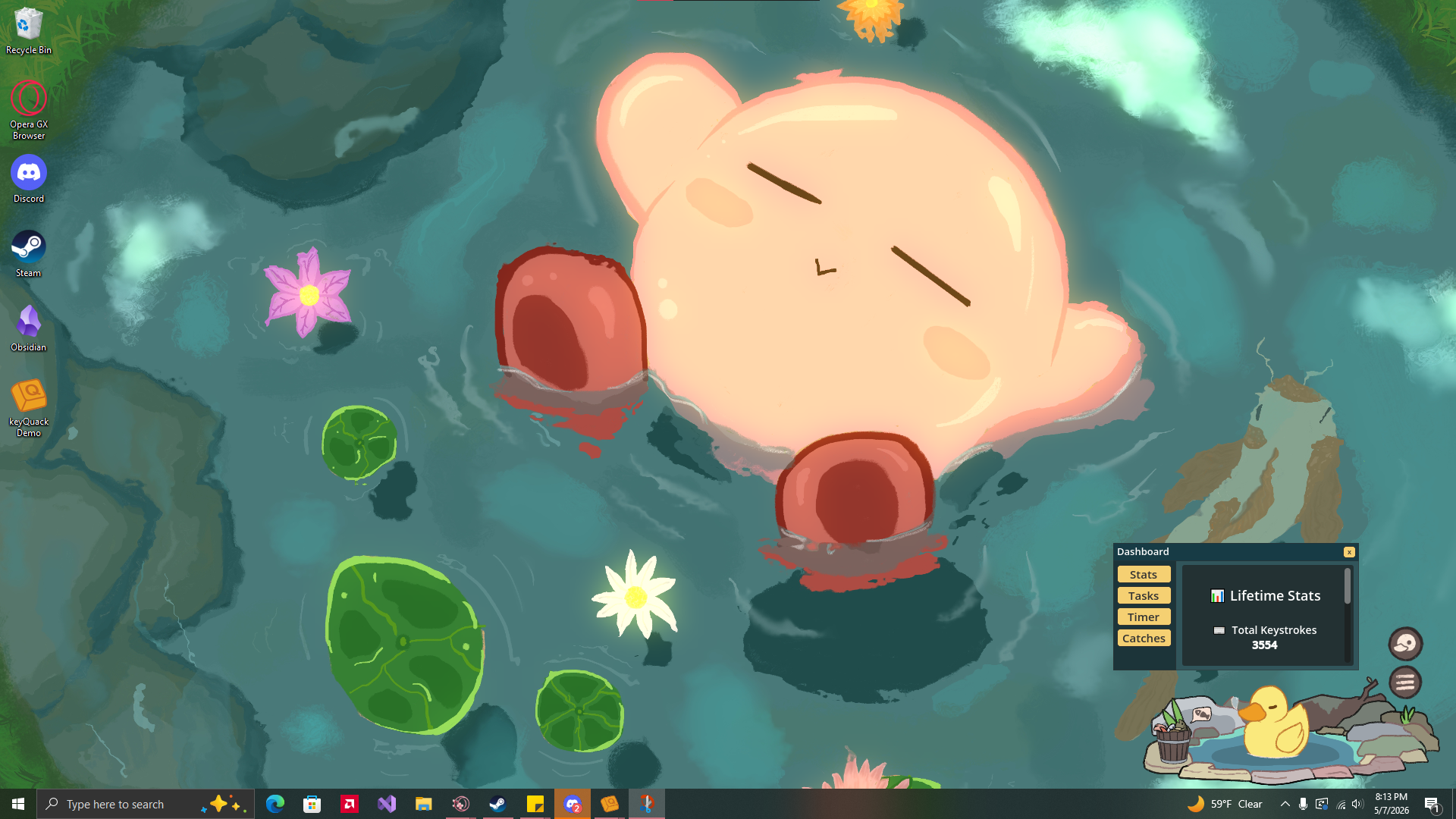
Dashboard
The dashboard is where your stats and tools live. This can be accessed any time by pressing the little duck button on the right hand side.
Stats
Stats will update every second and can be viewed any time.
If you are inactive for a full minute, stats tracking will pause to prevent stats from being skewed by being AFK.
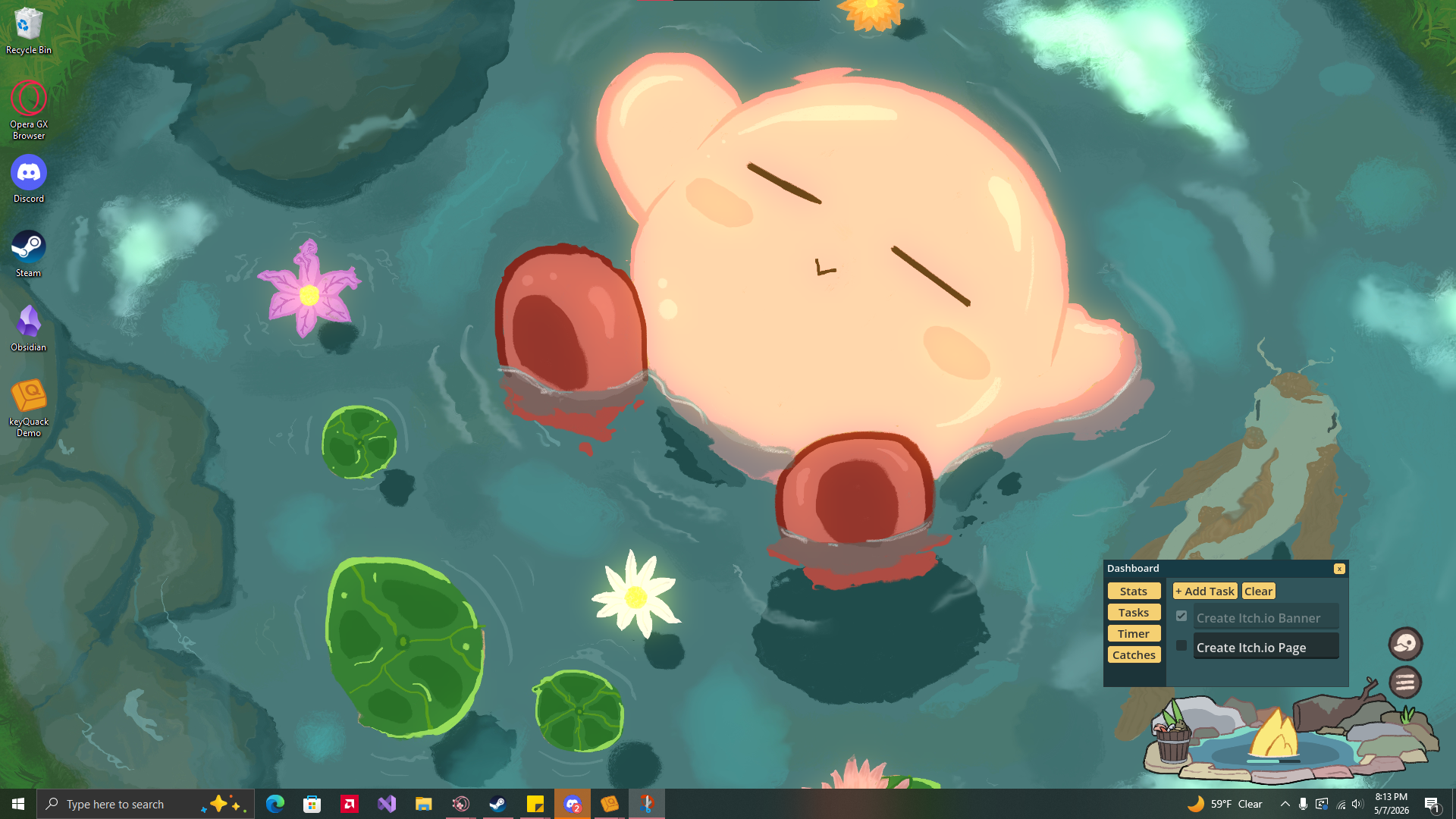
Tasks
It's a to-do list! Tasks can be added freely, though currently the only way to remove them is to mark them as complete, and then press the clear button. Otherwise, you can clear a task by deleting the text as empty tasks are automatically cleared.
Timer
Timers can be set and will appear as a popup window that can be moved around. Closing this window will stop the timer and it is set to always be on top of any other windows on your computer.
Fishing
One of keyQuack's primary features is it's fishing minigame! While typing, each keystroke will passively fill a gauge that can be seen by hovering the bucket of fish on the left hand side. Once it is filled, a button will appear that can be pressed to send your duck fishing.
While your duck is underwater, typing will speed up their progress. However, it can only be sped up so much.
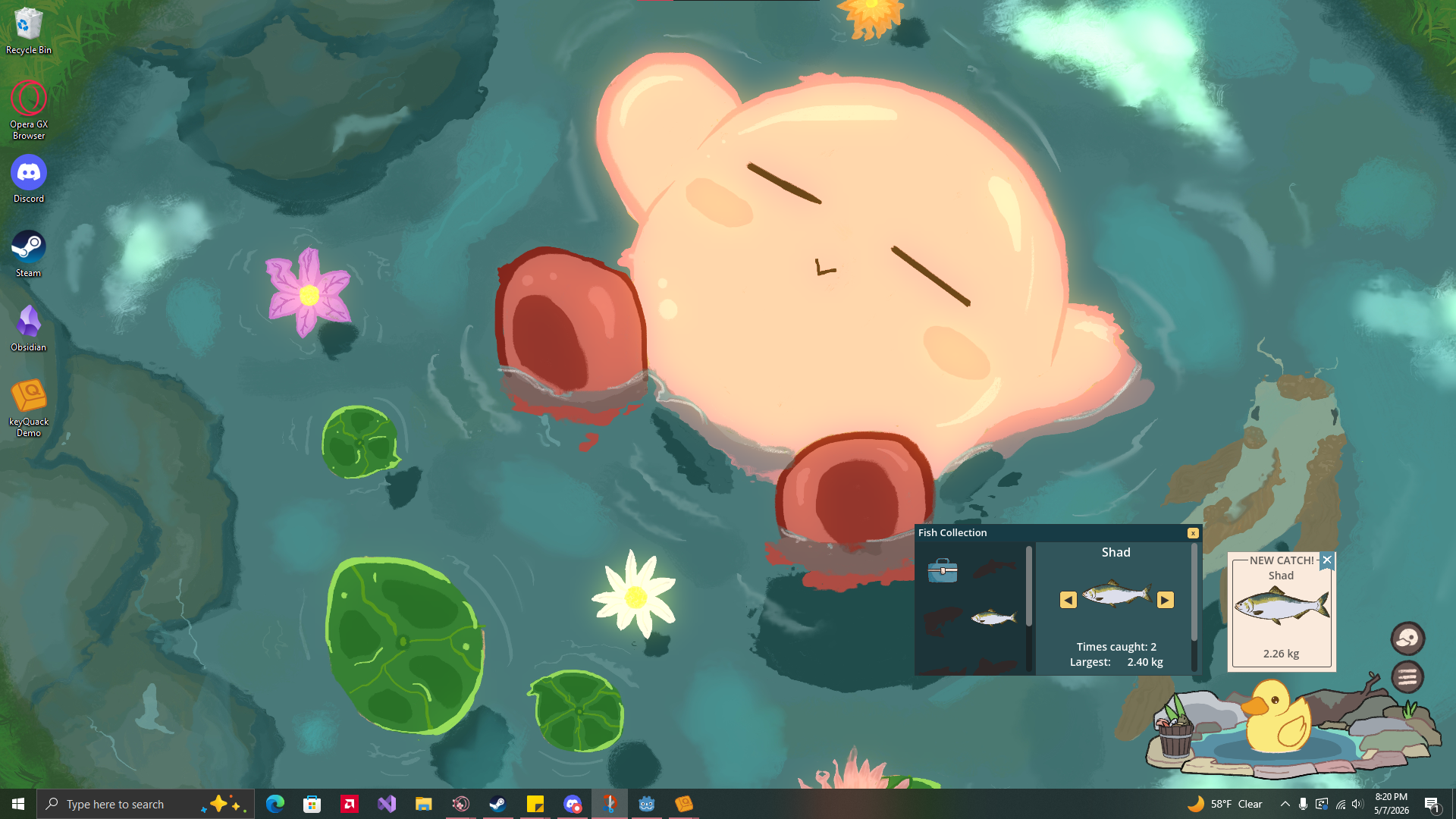
Once your ducky is done fishing, they will surface and the fish will be catalogued in your collection.
Catch history may be viewed in the Dashboard while your collection and records can be found by clicking on the bucket of fish.
Disclaimer
keyQuack uses a Python Script to detect global inputs without the window in focus so that you can work with this pet in the background. This will result in a Windows Security popup upon your first launch. keyQuack does not track what you are typing, nor is this data sent anywhere. Your typing activity is saved locally to your own files.
Support
I don't ask for any payment for keyQuack, especially seeing as this is a beta test with plenty of bugs and edge-cases I probably missed. If you'd like to support me and future development of keyQuack, however, feel free to Buy me a Byte ♥
Download
Click download now to get access to the following files:
Development log
- First Update2 days ago
Leave a comment
Log in with itch.io to leave a comment.